This post has been republished via RSS; it originally appeared at: New blog articles in Microsoft Tech Community.
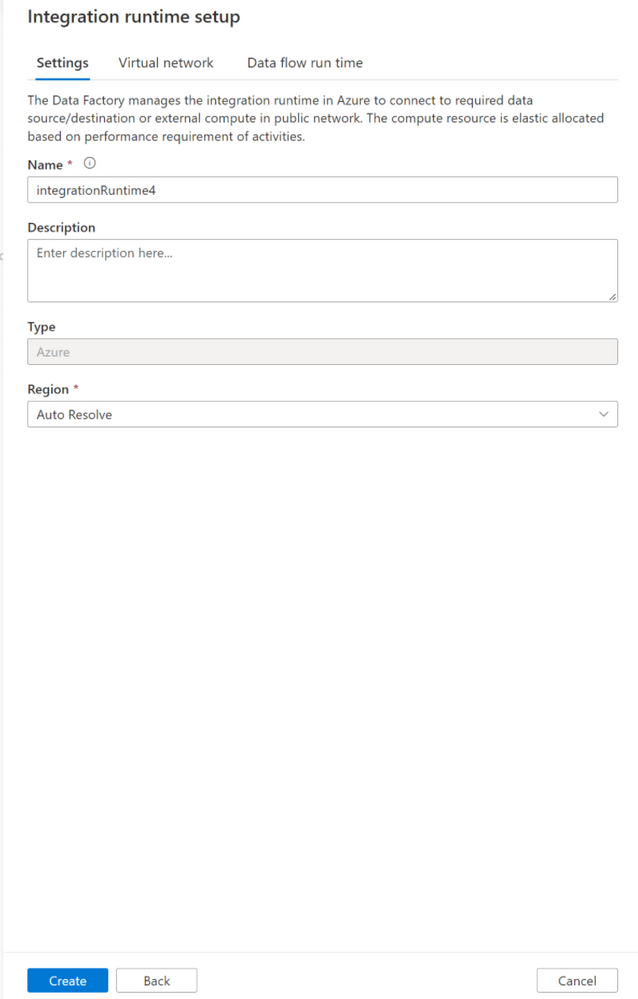
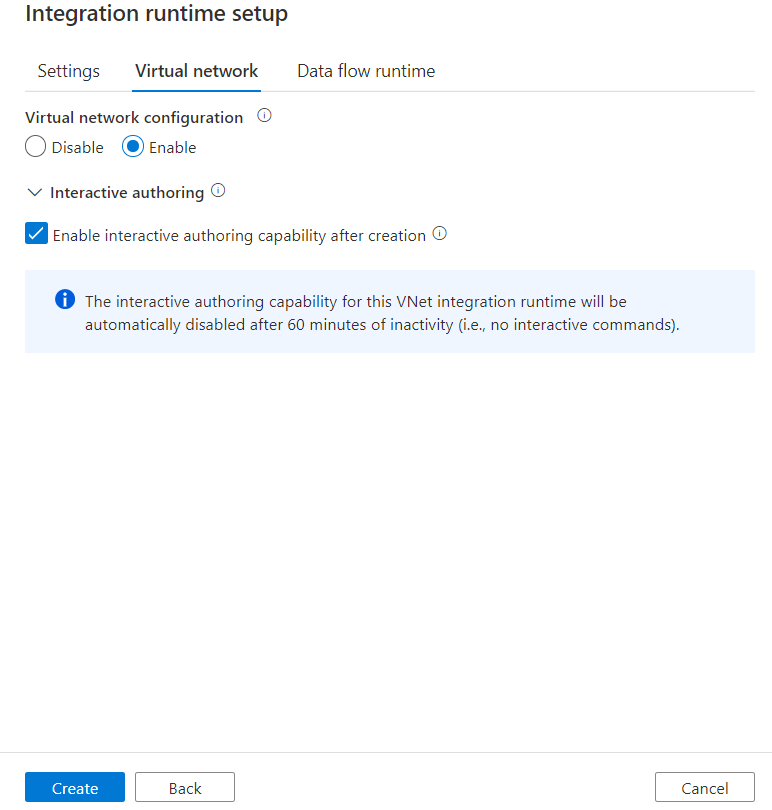
Today there are quite a lot of settings and configurations during the creation and edit of Azure integration runtime. In order to provide simpler and clearer UI layout, we are going to adjust current layout to tab style. There will be three tabs: Settings, Virtual network and Data flow run time. The new UI layout will be like below: