
This post has been republished via RSS; it originally appeared at: New blog articles in Microsoft Tech Community.

Viva Connections & SharePoint Framework bi-weekly community call recording from March 24th is now available from the Microsoft 365 Community YouTube channel at http://aka.ms/m365pnp/videos. You can use SharePoint Framework for building solutions for Microsoft Teams and for SharePoint Online.
Call summary:
- Next Microsoft 365 platform community call | Tuesday, March 29, 8:00 am PT
- Latest news from Microsoft engineering on Microsoft 365 topics
- Demos
- Making SharePoint Syntex testing easy - new templates in look book service – Sean Squires
- Managing State Across ACEs – Patrick Rodgers
- Introduction on the new Microsoft Graph Toolkit sample gallery – Sébastien Levert
- Q&A
- Register for training events hosted by Sharing is Caring.
- Register for the PnP Recognition Program.
- The Road Ahead – v1.15 Release – ETA June 2022
- PnP project releases in the last two weeks:
- Reusable SPFx React Controls – v3.7.2
- Reusable SPFx React Property Controls – v3.6.0
- 1 Extension, 8 web part and 1 ACE samples delivered! Your contributions are greatly appreciated by members of this community.
Latest project updates include:
| PnP Project | Current version | Release/Status |
| SharePoint Framework (SPFx) | v1.14 GA, v1.15 Beta | v1.15 GA in June 2022 |
| PnPjs Client-Side Libraries | v2.13 GA, v3.1.0 GA |
Nightly builds. Note: v2.13 will be the final v2 release |
| CLI for Microsoft 365 |
v4.3.0 GA, v5.1 Preview |
|
| Reusable SPFx React Controls |
v3.7.2, v2.9.0 (SPFx v1.11) |
|
| Reusable SPFx React Property Controls | v3.6.0, v2.7.0 (SPFx v1.11) | |
| PnP SPFx Generator | v1.16.0 | v1.17.0 on the way |
| PnP Modern Search | v4.5.4, v3.23.0 |
(Bold indicates update from previous report 2 weeks ago)
The host of this call is Patrick Rodgers (Microsoft) | @mediocrebowler. Q&A takes place as always in chat throughout the call.
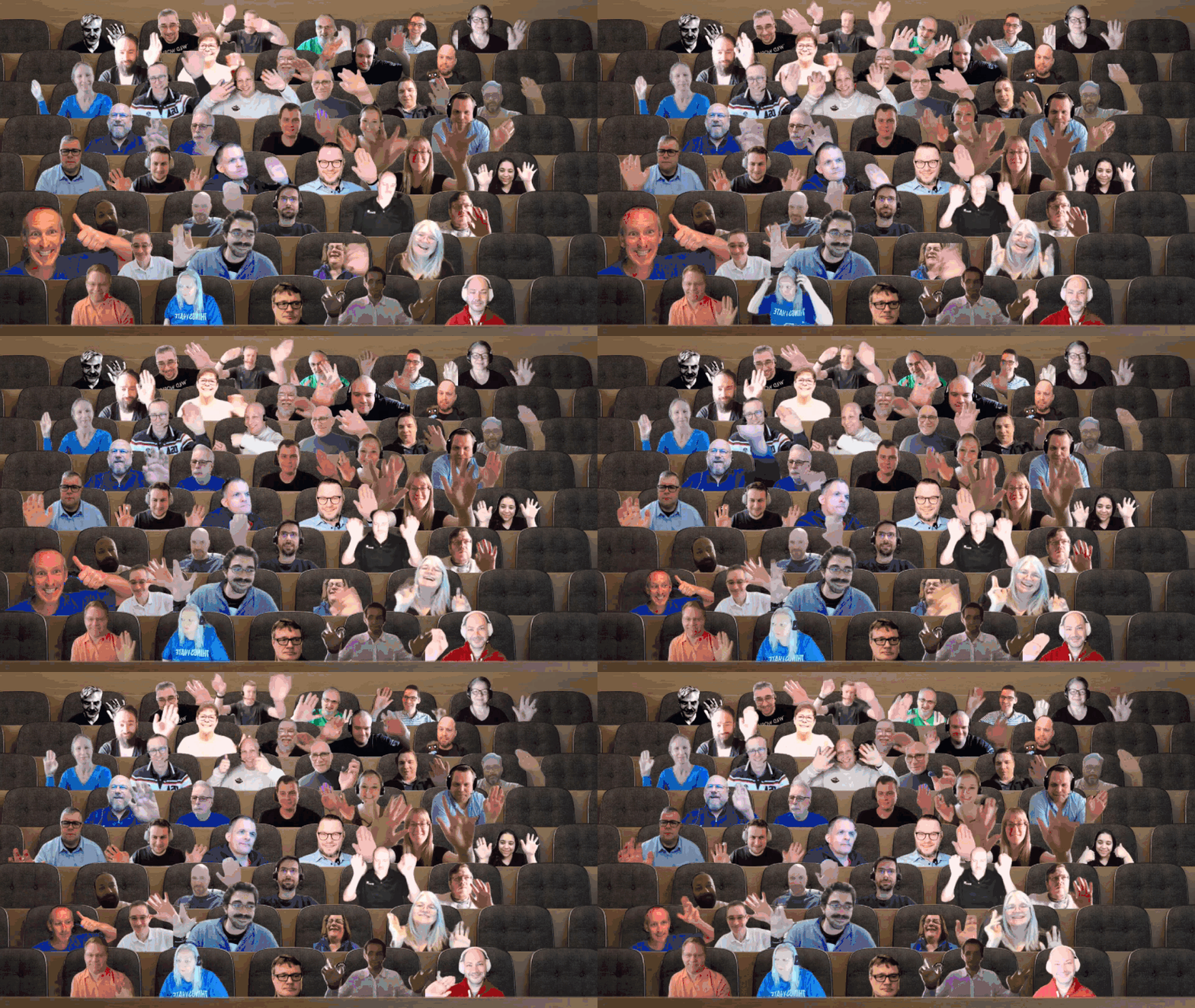
Thank you for packing the house today. What a call! Great updates, demos and attendees. See you again soon.
Actions:
- Opt into PnP Recognition Program | https://aka.ms/m365pnp-recognition
- Register for Sharing is Caring Events
- AMA (Ask me anything) – Viva ACE | Coming Soon
- First Time Contributor Session | TBS soon
- Community Docs Session | TBS soon
- Power Platform Samples – First Time Contributor | Monday, April 11, 11:00 am PT - Register
- PnP – SPFx Developer Workstation Setup | TBS soon
- PnP SPFx Samples – Solving SPFx version differences using Node Version Manager | TBS soon
- First Time Presenter | TBS soon
- More than Code with VSCode | TBS soon
- Maturity Model Practitioners | Tuesday, April 19, 7:00 am PT - Register
- Getting Started with Viva Connection ACEs (2-part session) | TBS soon
- PnP Office Hours – 1:1 session | Register
- PnP Buddy System | Request a Buddy
- Request a Demo spot on the call – https://aka.ms/m365pnp/request/demo
- Download the recurrent invite for this call – https://aka.ms/spdev-spfx-call
Demos:
-
Creating a workflow engine within SharePoint Framework and Azure – a task-based workflow framework for business and technical work, i.e., create technical report, vacation request, new hire onboarding. Securely accesses protected resources, uses Microsoft stack - Graph, Adaptive Cards (low code forms), React Hooks (code forms), SPFx, Fluent UI, etc. Initiate tasks, get/respond to Adaptive Card form in email, SharePoint and Teams. Capably delivers the expected validations, approvals, status tracking.
-
Docker Loves SharePoint Framework (SPFx) – scenario, work for many customers, asked to fix bug or contribute to project. Don’t have dependency tools on your machine nor interested in accessing potentially unsafe code. Options – create VMs or use containers. See how easy it is to open a project in a safe, provisioned, light weight container located on your machine or in the cloud. Docker is only app required on your machine.
-
Using 3rd Party APIs in Viva Connections ACEs – consume 3rd party/custom APIs (Azure Functions, ASP.NET REST APIs), register the API in AAD as an AAD app, Consent the AAD app in target tenant, grant permissions to the app via SPO Admin UI to consume the API via SPFx context and AadHttpClient. Demo showing code for the rendering of stock values acquired via the API.
- Application Insights Advanced - Sudharsan Kesavanarayanan | @sudharsank
SPFx web part samples: (https://aka.ms/spfx-webparts)
- Hide Lists - SandeepDev365
- Cascading managed metadata using Graph API - Anoop Tatti | @anooptells
- Frequently Asked Questions with Property Field Collection Metadata - Arun Kumar Perumal
- PnP Adaptive Card Host Control - Fabio Franzini | @franzinifabio
- Cherry-Picked Content - Christophe Humbert | @Path2SharePoint
- Hero - Omar El-Anis | @omarelanis
- Quick Poll - Niels | dknn
- Company Stories - Luis Manez | @luismanez
Great work shout outs to:
- Added Dev Containers to more than 10 web parts - Denis Molodtsov | @zerg00s
- Addressing issues - Abderahman Moujahid | Abderahman88
- Addressing issues - Milan Holemans | milanholemans
PnP SPFx ACEs:(https://aka.ms/spfx-aces)
- Dynamic Announcements - Siddharth Vaghasia | @siddh_me
Thank you for your great work. Samples are often showcased in Demos.
Agenda items:
- SharePoint Framework - Vesa Juvonen (Microsoft) | @vesajuvonen – 5:56
- PnPjs Client-Side Libraries - Patrick Rodgers (Microsoft) | @mediocrebowler – 8:01
- CLI for Microsoft 365 - Patrick Rodgers (Microsoft) | @mediocrebowler – 9:25
- PnP SPFx Controls - Patrick Rodgers (Microsoft) | @mediocrebowler – 10:04
- PnP Modern Search - Patrick Rodgers (Microsoft) | @mediocrebowler – 10:54
- PnP Samples - Hugo Bernier (Microsoft) | @bernierh – 11:31
- PnP SPFx ACEs Samples - David Warner II (Microsoft) | @DavidWarnerII – 15:43
- Demos – 17:34
Demos:
- Creating a workflow engine within SharePoint Framework and Azure – Greg Hitchon (Corrosion Service Co) – 17:34
- Docker Loves SharePoint Framework (SPFx) – Aleksandr Sapozhkov (Sopra Steria) | @shurick81 – 28:40
- Documentation - Getting started with Docker
- Documentation - Run CLI for Microsoft 365 in a Docker Container
- Repo - SharePoint Framework Docker images
- Repo - personal-assistance
- Using 3rd Party APIs in Viva Connections ACEs – Paolo Pialorsi (PiaSys) | @PaoloPia – 44:45
Resources:
Additional resources around the covered topics and links from the slides.
- Microsoft 365 PnP Weekly – Episode 158 (March 21st) with US based, member of the Customer Engineering Team focused on developer enablement and on PnPjs project, Patrick Rodgers (Microsoft) | @mediocrebowler | video | podcast
- Microsoft 365 PnP Weekly – Episode 157 (March 14th) with US based, Microsoft 365 Extensibility Developer, MVP, and PnP team member focused on PnPjs project, Julie Turner (Sympraxis Consulting) | @jfj1997 | video | podcast
General Resources:
- Viva Connections https://aka.ms/VivaConnections
- Archives - Microsoft 365 PnP Weekly - Videos, Podcasts
- Tools - Teams Toolkit (v2.2 Preview)
- Gallery - Microsoft 365 Extensibility look book gallery
- Microsoft Build sessions guide (Modern Work Digital Brochure) - aka.ms/modernworkbuildsessions
- SharePoint Framework - v1.12.1 npm install –g @microsoft/generator-sharepoint@next
- CLI for Microsoft 365 v3
- CodeTour
- Sharing is Caring | aka.ms/sharing-is-caring
- Tools - PnP Modern Search v4 | https://aka.ms/pnp-search
- M365 PnP site | aka.ms/m365pnp
- SharePoint Starter Kit v2
- Blog: "A Lap Around Microsoft Graph Toolkit" blog series
- New Microsoft 365 Patterns and Practices (PnP) team model with new community leads
- Microsoft 365 Community Content (non-Dev docs)
- PnP SPFx web part samples
- PnP SPFx extension samples
- GitHub PnPjs
- Tutorials - Getting started with SharePoint Framework v1.10 Tutorials (12 videos)
- Tutorials - Getting started with SharePoint Framework v1.10 Extensions (6 videos)
- Docs - Tutorials and training material for SharePoint Development
- SPFX Training Package
- SPFx Web Parts
- SPFx Extensions
- SPFx Library Components
- Documentation - PnPjs v2 documentation
- Link - Microsoft 365 developer training
- Link - Office 365 Developer Program
- Latest documentation on SharePoint Framework
- Found an issue with SharePoint Dev? - please let us know at http://aka.ms/spdev-issues
- Reusable web part property controls
- Reusable react controls for SharePoint Framework solutions
- Reusable controls webcast
- Office 365 CLI
- PnP SPFx Yeoman Generator - Extends the out-of-the-box experience with open-source community capabilities
- SharePoint Dev UserVoice - for new feature requests
Other mentioned topics:
Upcoming calls | Recurrent invites:
- Microsoft 365 platform call | Tuesday, March 29, 8:00 am PT – https://aka.ms/m365-dev-call (weekly)
- M365 General Dev call | Thursday, March 31, 7:00 am PT - https://aka.ms/m365-dev-sig (bi-weekly)
- Viva Connections & SharePoint Framework call | Thursday, April 7, 7:00 am PT - https://aka.ms/spdev-spfx-call (bi-weekly)
- Office add-in monthly call | Wednesday, April 13, 8:00 am PT - https://aka.ms/officeaddinscall (monthly)
- Adaptive Cards monthly call | Thursday, April 14, 9:00 am PT - https://aka.ms/adaptivecardscommunitycall (monthly)
- Power Apps monthly call | Wednesday, April 20, 8:00 am PT - https://aka.ms/PowerAppsMonthlyCall (monthly)
- Microsoft Identity Platform call | Thursday, April 21, 9:00 am PT - https://aka.ms/IDDevCommunityCalendar (monthly)
Viva Connections & SharePoint Framework bi-weekly calls are targeted at anyone who is interested in the JavaScript-based development towards Microsoft Connections, Microsoft Teams, SharePoint Online, and also on-premises. Calls are used for the following objectives.
- SharePoint Framework engineering update from Microsoft
- Talk about PnP JavaScript Core libraries
- Office 365 CLI Updates
- SPFx reusable controls
- PnP SPFx Yeoman generator
- Share code samples and best practices
- Possible engineering asks for the field - input, feedback, and suggestions
- Cover any open questions on the client-side development
- Demonstrate SharePoint Framework in practice in Microsoft Viva, Microsoft Teams or SharePoint context
- You can download a recurrent invite from https://aka.ms/spdev-spfx-call. Welcome and join the discussion!
“Sharing is caring”
Microsoft 365 PnP team, Microsoft - 25th of March 2022