
This post has been republished via RSS; it originally appeared at: New blog articles in Microsoft Tech Community.
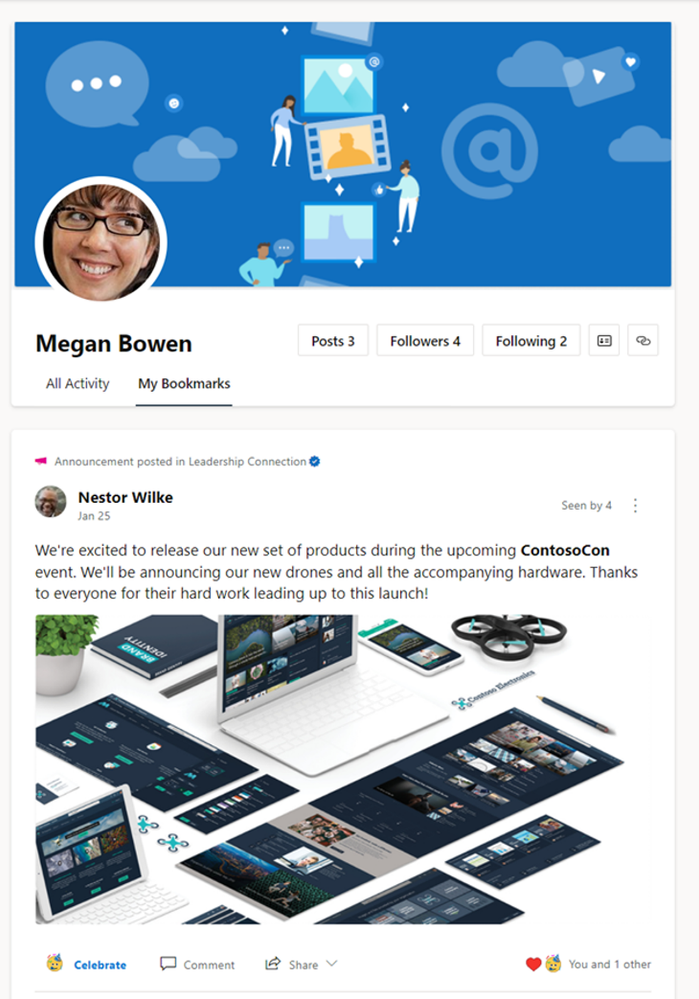
The wait is over. Bookmarks are now in the new Yammer! Bookmark any conversation, reply, or nested reply that you have access to read later. The bookmark feed is private and is sorted by conversations with the most recent interaction. You can also remove bookmarks once you’ve had a chance to read and take necessary action in the conversation. And the best part.... if you had bookmarks in the legacy Yammer, they’ll now show up in the new experience in your profile page with no action needed from you.
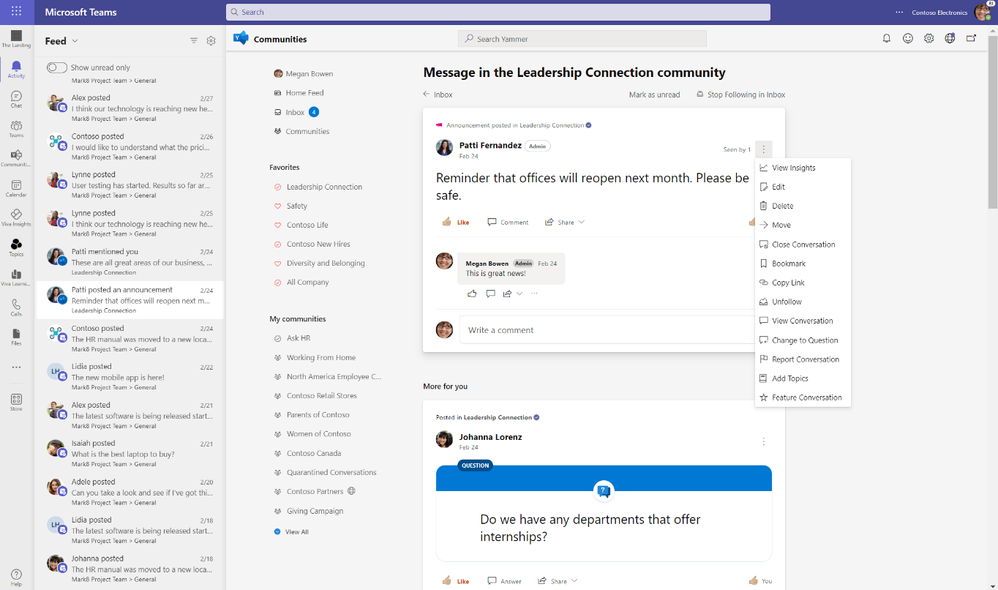
If you have the Communities app for Teams installed, you can bookmark directly from Microsoft Teams notifications or through the app. Bookmarks are coming soon to Yammer mobile experiences as well.
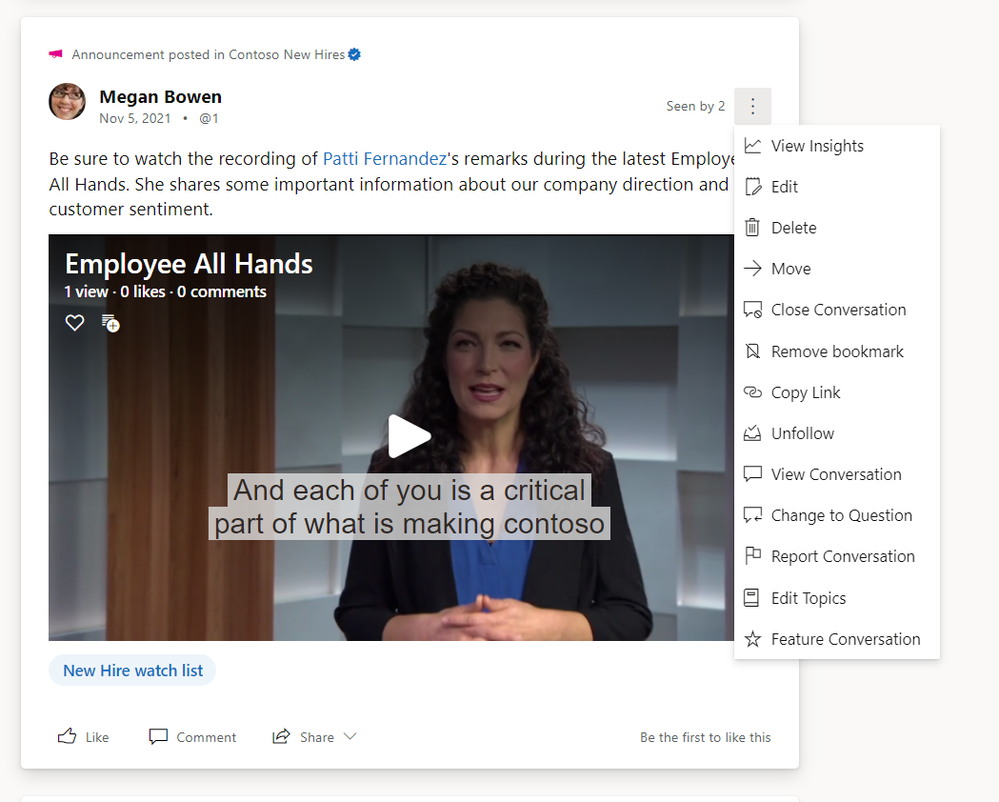
Once you’ve had a chance to read the conversation, remove the bookmark.
Stay tuned for more updates and news on the Yammer blog and follow the Microsoft 365 Roadmap.