
This post has been republished via RSS; it originally appeared at: New blog articles in Microsoft Community Hub.
You can now manage access to business assets using collections.
Business assets help describe the business use and context of your data. You can show how data is used by an application service or business process to meet a particular business use case. Until recently, these were managed in Purview as a flat list. Now you can store business assets in a collection so these can be curated by the right experts and assigned to physical data.
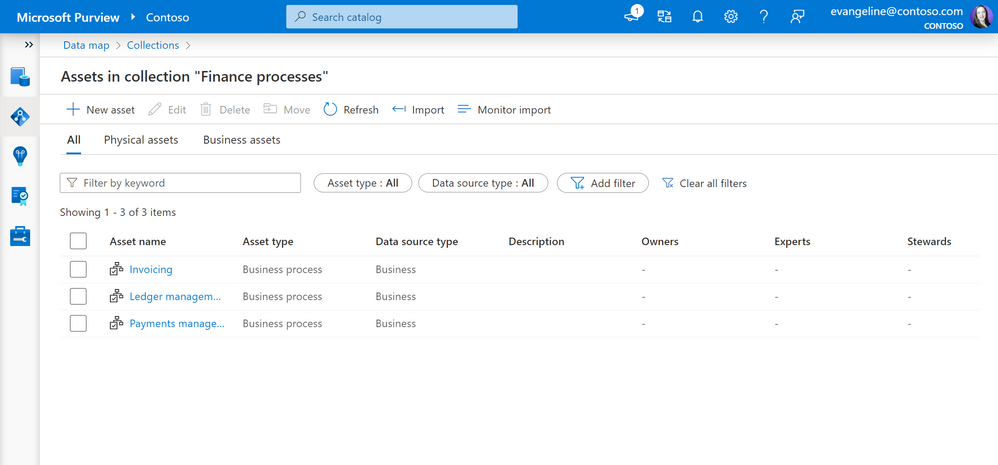
We've also updated the collection design so that there's more space for working with assets. When you open a collection, the assets inside will be listed on a full panel that includes filters for asset types and source types.
Learn more about best practices for working with business assets here: Best practices for using collections, glossary, and business assets.