You HAVE to love a post that starts off with “No, I am not drunk, nor did I smoke some peculiar produce our capital Amsterdam is famous for, and I did not bump my head a bit too hard on my car while getting out of it either…”
Joost van Schaik shows us how U in UWP really is…
Intro
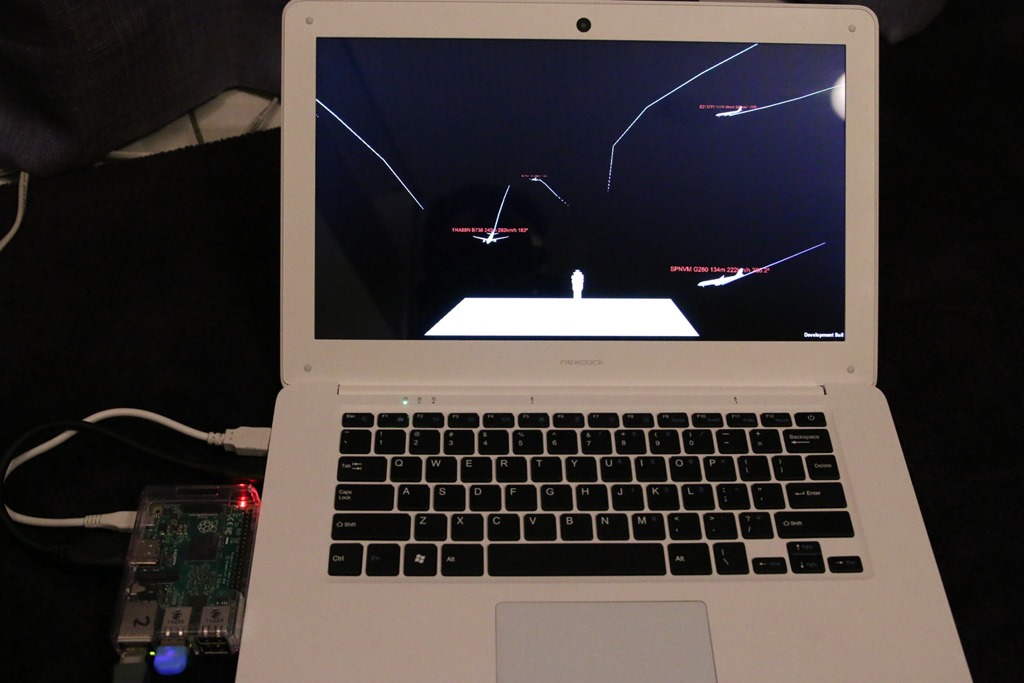
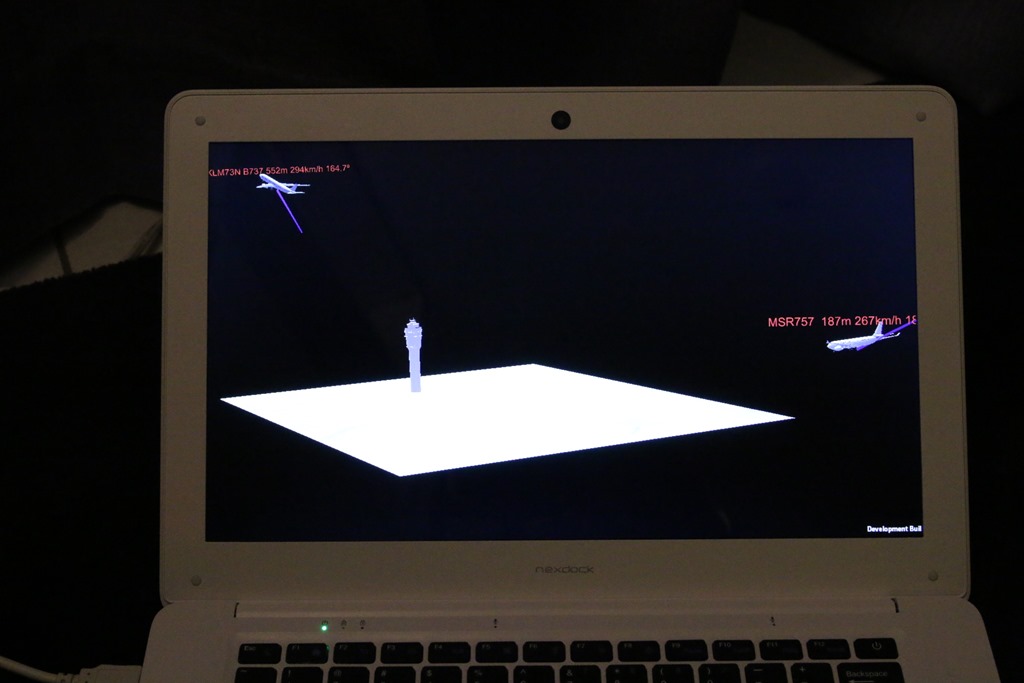
No, I am not drunk, nor did I smoke some peculiar produce our capital Amsterdam is famous for, and I did not bump my head a bit too hard on my car while getting out of it either. I was just curious how far the U of UWP would carry me. And it turns out, a lot further than I thought. It’s actually possible to run a HoloLens app on a Raspberry PI2. When I saw it happen, I actually had a bit trouble believing my own eyes, but it is possible indeed. With surprisingly little work. Although I added a little extra work to make it more fun.
Parts required & base material
- One Raspberry PI2 or 3 running the latest version of Windows 10 IoT Core.
- A keyboard that plays nice with the above
- A screen to see the result on
I used a Raspberry PI2 running the latest Windows 10 IoT Core Insider’s build and a NexDock. Mainly because I have one, it’s handy and it looks cool. Be aware that to connect the NexDock keyboard you will need a Bluetooth dongle for your RP2 – or you will need use a RP3 which has it on board.
This post builds upon my (as of the time of this writing still incomplete) series about the Hololens Aircraft tracker, but that’s only because that’s a cool app to demo the idea on. It is no part of the series. I made a separate branch of the app at the end of the 6th episode. So this is like an interlude.
Some brute-force demolishing to get things to compile
Basically it’s as simple as setting the build target to ARM:
…
Controlling the app’s viewpoint
When you run the app on the HoloLens this is no issue at all. If you want to see the airport and it’s planes from closer up or from a different angle, you just move your head, walk to the object of your interest – or around it. If if runs on a screen, things are a bit different. So I created this little behaviour (with “ou” indeed, which suggests the good folks at Unity have been educated in The Queen’s English) that more or less replicates the key mappings of the HoloLens emulator:
…
Deploy and run
Deploy the app to your Raspberry PI2 or 3 using Visual Studio – and select your PI as remote machine. Use either “Release” or “Master” build configuration. The latter should – in theory – go faster, but takes much longer (as in very much longer) to compile and deploy. Also, if you choose “Master”, the app does not always start on my PI, it’s sometimes only deployed – so you have to get it going via the device’s Device Portal. This may have something to do with me running an Insider’s build.
…
Conclusion
Looks like the U in Universal Windows Platform is pretty universal indeed. Microsoft weren’t talking BS rubbish about this promise. This app can also be deployed to PCs (I learned that by accidentally choosing “Local Machine” as a target) and I don’t doubt it will run on phones and even XBox One, although I think I would have to ponder a little about the way to control the viewpoint on those devices as they don’t have a keyboard. Yet, an impressive result.
Code can be found here.
[Read the entire post]
Follow @CH9
Follow @coding4fun
Follow @gduncan411
 Continue reading HoloLens App on a Raspberry PI?→