
This post has been republished via RSS; it originally appeared at: Microsoft Tech Community - Latest Blogs - .
Do you know LINE - a popular SNS in Japan and some countries? We use sticker images in chat of LINE. There is a very useful tool to create LINE sticker which name is MagicalDraw.
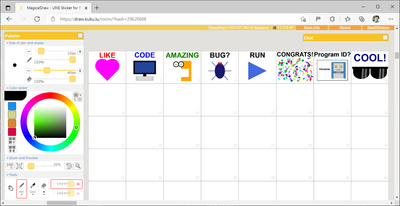
But to apply LINE stickers, we need more images - a main image and a tab image. These images have different size from sticker images. We can create a main and a tab from sticker images with Paint tool and a little patience.
I used to use GIMP to create them but that was boring works for me.
Then I wrote a Small Basic program HGPP693.000 that make easier to create a main image and a tag image for LINE stickers.
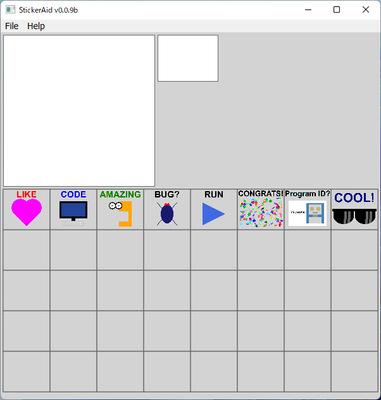
You can create a main and a tag with just drag and drop!
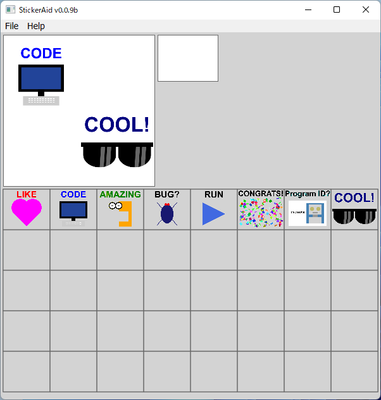
The source code is also uploaded to a GitHub repository nonkit/StickerAid. This program using LitDev Extension. See this repository for more details.
Have fun with LINE stickers!