
This post has been republished via RSS; it originally appeared at: New blog articles in Microsoft Tech Community.
Overview
It is imperative to safeguard SAP applications deployed within a virtual network from the outside world, at the same time, there will be necessities where applications deployed within a Virtual Network will have connectivity with the outside world/Internet.
This document discusses one of the options to configure SAPRouter with Azure Firewall, where SAPRouter deployed on the Azure needs connectivity to SAP Network via internet connectivity. SAPRouter works as a proxy, and the traffic leaves Azure Network. The requirement is to ensure we have a Firewall between SAPRouter on Azure Cloud and SAP External Network.
This blog points to two scenarios for SAPRouter configuration (customer side) with Azure Firewall,
- Single SAPRouter configuration
- Cascade SAPRouter configuration
Reference Network Architecture
Scenario#1 with single SAP Router to manage the connectivity between SAP(side)Router & Customer SAPRouter.

Key components of the Architecture
SAP Router:
SAProuter is an SAP program that acts as an intermediate station (proxy) in a network connection between SAP systems, or between SAP systems and external networks to protect your SAP network against unauthorised access.
Azure Firewall:
Azure Firewall is a managed, cloud-based network security service that protects your Azure Virtual Network resources. It's a fully stateful firewall service with built-in high availability and unrestricted cloud scalability.
Pre-requisite
- Landing Zone deployed on Azure with Virtual Network, SubNet with SAP systems.
The document assumes the network architecture Hub-Spoke or customer preferred as part of Azure Enterprise Scale Landing Zone already exists on Microsoft Azure Platform.
Deploy SAPRouter Virtual Machine
- Deploy a virtual machine Windows/Linux
Windows/Linux VM, preferably, dedicated for hosting SAPRouter required for the installation and configuration of SAPRouter.

- Download SAPRouter Software 30374 - SAProuter installation - SAP ONE Support Launchpad
- Install SAPRouter Software on the Virtual Machine.
- Review the status of SAPRouter Service.
Register SAPRouter with SAP
- Create an SAP OSS Case --> Raise an OSS under component XX-SER-NET-NEW for registering the New SAP Router in SAP premises.
- Capture details to update SAPRouttab file --> follow the SAP standard document to create the saprouttab entries. Below link to be followed SAProuter.
Example of SAPRouttab file
Azure Firewall Configuration
- Create/Review Azure Firewall

- Create/Review Public I.P Assignment
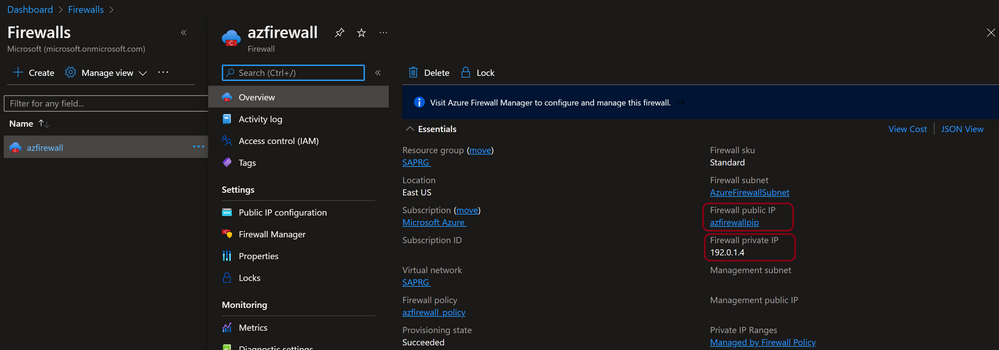
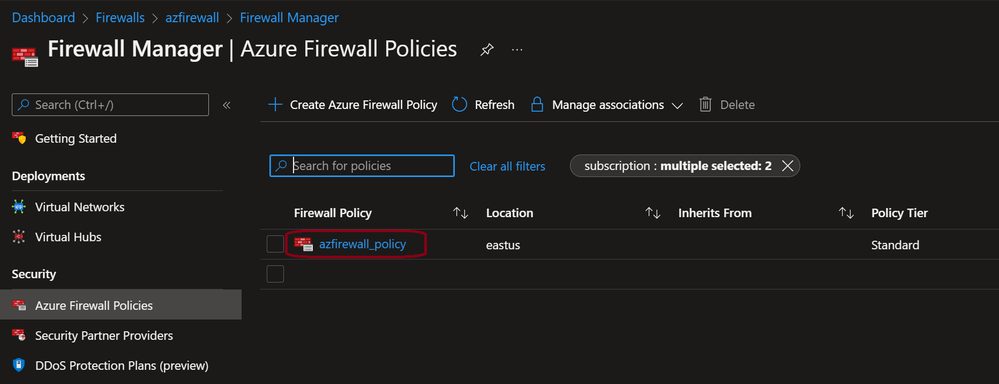
- Update NAT’in on Azure Firewall
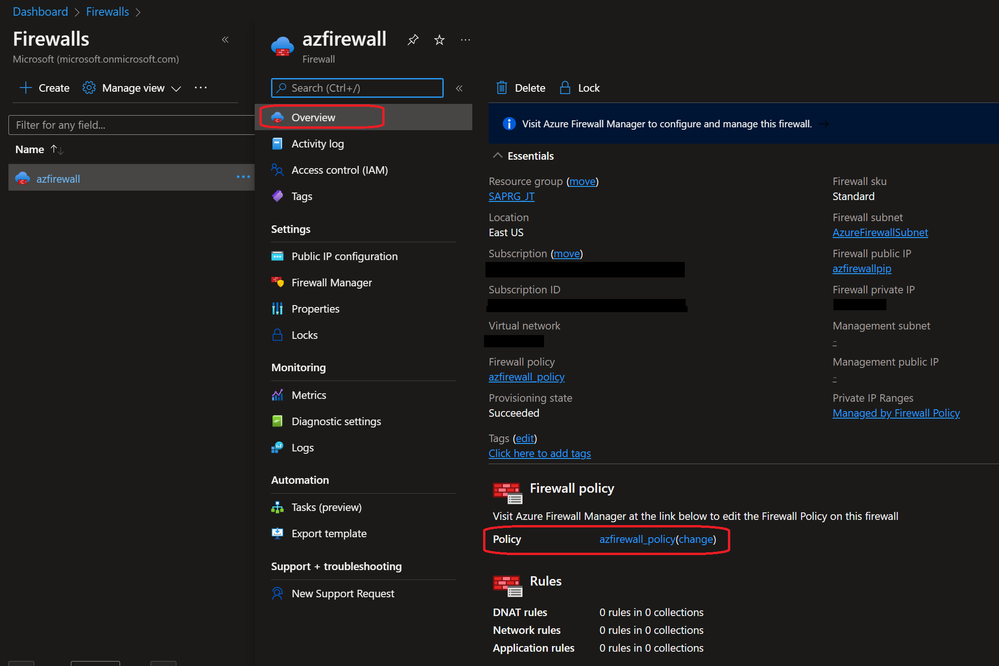
Go to Firewall Manager and select the Azure Policy
or select it from Overview page

- Add rule collection group
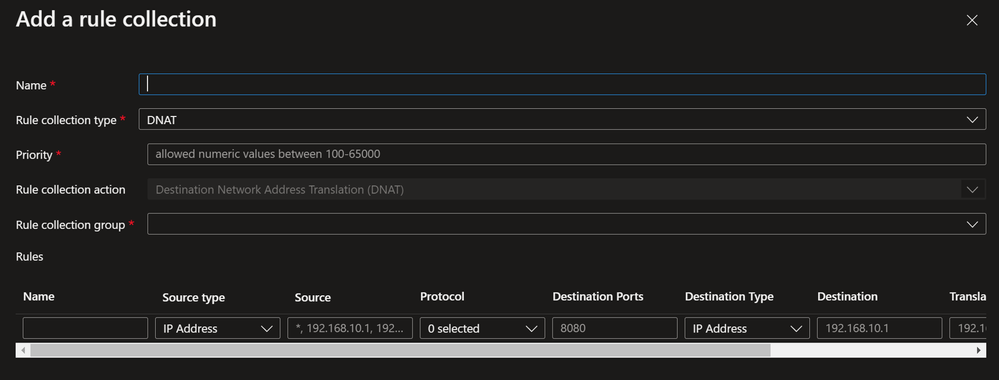

Update SAP SAPRouter Configuration
- Review & update the SAPRouttab file as per point 2 of section Register SAPRouter with SAP.
- Allow azure firewall IP addresses in the SAPRouttab file. Once these steps are completed, perform sap backbone connectivity setup from SAP ABAP system and perform the test.
Example SAPRouttab file
Scenario#2 with cascade SAPRouter to manage the connectivity between SAP(side)Router & Customer SAPRouter, where customer deployment will host two SAPRouter's [External + Internal].

example SAPRouttab file:
External SAPRouttab example for cascade configuration
Internal SAPRouttab example for cascade configuration
Update the Azure firewall policy as scenario#1
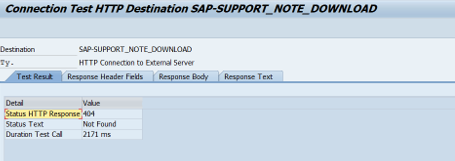
Test the connectivity
SAP OSS connection from satellite system to SAP (with the help of SAP)

Remote log on from SAP to managed system through R3
